
Button Basics 1: Communication
Introduction
This example is part of the Button Basics series, which also includes Visual Feedback and Page Navigation. Together, the examples demonstrate the fundamental ways buttons are used in CDP Studio UI.
This example focuses on communication, showing how buttons send commands, values, pulses, and states to control-system components. A Sine component visualizes the effect of each action so you can immediately see how the interaction changes the signal.
The entire series implements the concepts from the original Button Examples tutorial, presenting them as clear, runnable examples inside actual applications.
Message Sending
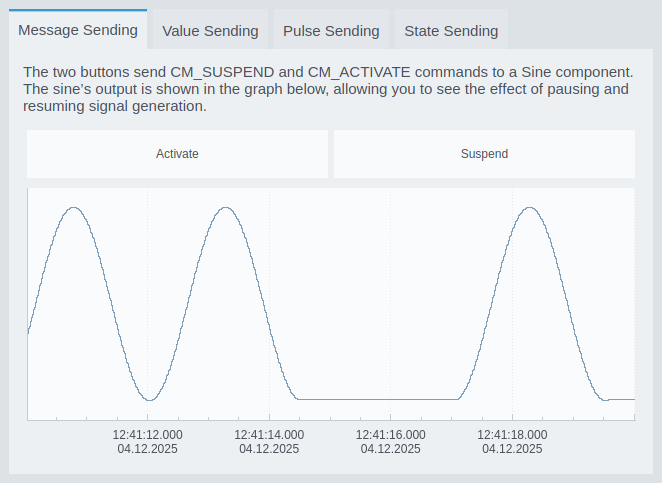
This example shows two buttons sending CM_ACTIVATE and CM_SUSPEND commands to a Sine component. The graph below displays the resulting waveform, allowing you to see how suspending and resuming the component affects the signal output.
Value Sending
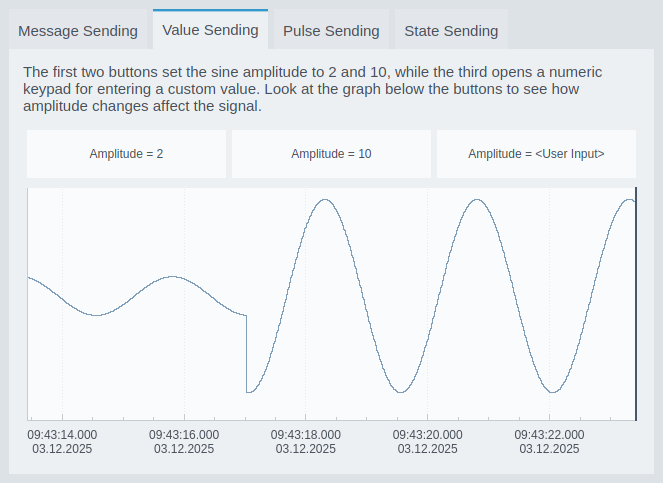
This example demonstrates sending numeric values to a component input. Two buttons set fixed amplitudes (2 and 10), while a third button opens a numeric keypad dialog for entering a custom value. The Sine graph shows how each value affects the signal amplitude.
Pulse Sending
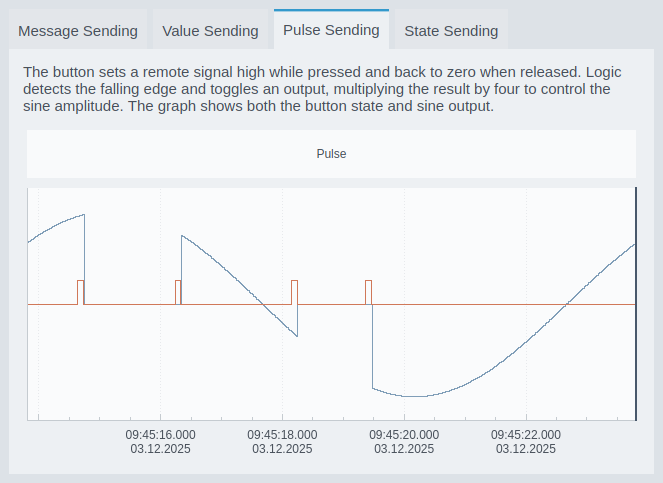
This example shows a button sending a pulse: the remote value goes high while the button is pressed and returns to zero on release. Component logic reacts to the falling edge of the pulse and toggles the amplitude multiplier. The graph shows both the pulse and the resulting sine output.
State Sending
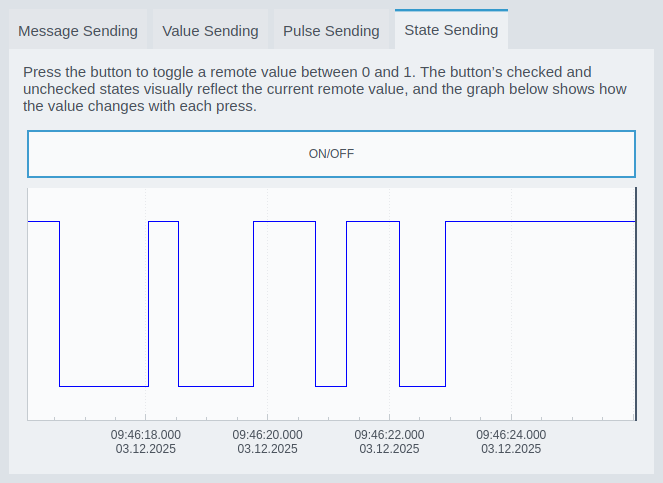
This example demonstrates toggling a remote boolean value. Each press switches the value between 0 and 1, and the button’s checked visual state mirrors the actual remote value. The graph shows the on/off transitions over time.
How to Run the Example
To run the example from CDP Studio, open Welcome mode and find it under Examples. Next, in Configure mode right-click on the system project and select Run & Connect. See the Running the Example Project tutorial for more information..
Get started with CDP Studio today
Let us help you take your great ideas and turn them into the products your customer will love.